
An automated appointment reminder setup in a CRM needs three things: a booking with a confirmed time and time zone, rules that fire at fixed offsets before that time, and a message with a working reschedule link. Most setups skip the link. A reminder that can only remind gets ignored when the client has a conflict, while one that lets them move the slot saves the booking.
TL;DR:
- Send three reminders at most: an instant confirmation, a day-before text, and a short-notice text two hours out.
- Put a one-tap reschedule link in every reminder. It recovers slots that a plain reminder would lose.
- Get consent before the first text, and honor STOP immediately. In the US, the FCC enforces the TCPA.
- Store times in UTC, show them in the client's time zone, and send within a daytime window.
- Test with a real booking and watch the scheduler. If the server job stalls, reminders stop without any error.
Table of Contents
- Automated Appointment Reminder Setup in a CRM: The Five Pieces You Need
- How Many Reminders, and When: A Cadence That Works
- Email, Text, or Both: Matching the Channel to the Message
- What the Message Should Say: A Template You Can Copy
- Time Zones, Quiet Hours and Other Ways Reminders Fail
- Multi-Brand Reminders: Each Business Speaks in Its Own Name
- Test It, Then Keep It Running
- Get Appointment Reminders That Send Under Each Brand's Own Name
- Frequently Asked Questions
- Sources
Automated Appointment Reminder Setup in a CRM: The Five Pieces You Need
CRM stands for customer relationship management. Here it means one record per client that holds contact details, brand, history and bookings. Reminders work when five pieces line up on that record:
- A booking with a confirmed start time and time zone. The reminder engine has nothing to count back from without both.
- A contact method and consent. You need a mobile number or email on the record, plus a note of how the client agreed to be messaged.
- Trigger rules. Each rule says "send this template X hours before start," and a good setup lets you skip a rule when the booking was made too late for it.
- Templates per channel. An email can run long. A text should fit in one segment.
- A reply path. Every message links to a page where the client can reschedule or cancel, and every text honors STOP.
This article assumes bookings already land in your CRM. If you are still choosing how clients book, the comparison of self-hosted booking options covers that decision, and this one picks up after it.
How Many Reminders, and When: A Cadence That Works
Three reminders beat one, and they beat six. A Cochrane review of text message reminders for healthcare appointments found that reminders raise attendance compared with sending none, with a relative increase of about 14 percent. The review measures the gain from having a reminder, not from stacking them, so there is no evidence that a fourth message earns its place. Each extra message mostly teaches clients to ignore your number.
This is the cadence I would pick for most service businesses:
| Reminder | Timing | Channel | Job |
|---|---|---|---|
| Confirmation | Immediately after booking | Email, plus text if consented | Proof of booking, calendar file, reschedule link |
| Early reminder | 48 hours before | Address, prep steps, forms to complete | |
| Day-before reminder | 24 hours before | Text | Time, one-tap reschedule or cancel |
| Short-notice reminder | 2 hours before | Text | Arrival or join link, parking, who to call |
Two adjustments matter. If a client books less than 24 hours ahead, skip the day-before reminder and send only the confirmation and the 2-hour text. For appointments that need preparation, such as paperwork or a deposit, move the email to 72 hours so there is time to act on it.
I would drop the 2-hour text only for appointments that clients can never run late to, which is rare. It is the cheapest message you send and the one most likely to catch someone who forgot.

Email, Text, or Both: Matching the Channel to the Message
Email carries detail and text carries urgency. Put anything the client may need to read twice, like directions or intake forms, in email. Put anything they need to act on today in a text.
Consent comes before the first send
In the US, the Federal Communications Commission enforces the Telephone Consumer Protection Act, which requires consent before you send automated texts to a mobile number. Record where the number came from. A checkbox on your booking form, saved with a timestamp on the client record, is enough evidence to show later. The CTIA Messaging Principles and Best Practices that carriers follow expect an easy opt-out, and STOP is the standard keyword. When a client replies STOP, your CRM should flag the record at once and suppress every future text.
US carriers also require business texting to be registered (the A2P 10DLC system). Unregistered traffic gets filtered or blocked, which looks exactly like "the reminders stopped working." Outside the US, rules differ by country, so check your local regulator before enabling texts.
Keep texts inside one segment
A standard SMS segment holds 160 characters, and a single emoji switches the message to Unicode encoding, which cuts each segment to 70 characters.
That one emoji can triple your per-message cost and split your message into pieces that arrive out of order. Skip emoji in reminders.
What the Message Should Say: A Template You Can Copy
Every reminder needs five facts: who you are, what the appointment is, when it is, where or how to attend, and how to change it. Here is a day-before text that fits in one segment:
Hi {first_name}, this is {brand} reminding you of your {service} tomorrow at {time} {tz}. Need to move it? {short_link} Reply STOP to opt out.
And a matching 48-hour email subject and opening:
- Subject. "Your {service} with {brand} is on {day}, {date}"
- First line. "You're booked for {time} {tz} at {address}. Here is what to bring, and a link to reschedule if plans change."
Three details make the difference:
- Name the brand in the first few words. A text from an unknown number is deleted. A text that opens with a business the client recently contacted gets read.
- Use the reschedule link as the call to action. "Reply C to confirm" feels tidy, but it only helps if you act on non-replies, for instance by offering the slot to a waitlist. Without that, a confirm step adds friction and gives you no new slots.
- Include the time zone abbreviation whenever the client might be in a different zone than your office.
Pro Tip: Schedule the day-before text for a send window, not an exact offset. A rule of "24 hours before" fires at 7 a.m. Sunday for an appointment at 7 a.m. Monday, a time when most people ignore their phones. Set the rule to send at 10 a.m. the previous business day, and for early Monday appointments send on Friday afternoon. You lose a few hours of lead time and gain a message that gets read.
Time Zones, Quiet Hours and Other Ways Reminders Fail
Most failed reminders are configuration errors, not delivery errors. These are the ones that cost real bookings:
- Local time stored without a zone. Save every start time in UTC and render it in the client's zone in messages. The iCalendar standard, RFC 5545, exists largely to make this portable, and your calendar file should follow it.
- Reminders at 3 a.m. A server in one zone sending "24 hours before" can wake a client in another. Add a quiet-hours rule: no sends before 8 a.m. or after 8 p.m. in the client's local time.
- Reminders after rescheduling. When a client moves a booking, the old triggers must be canceled and new ones created. Test this specifically. A client who gets a reminder for a slot they already vacated stops trusting every message you send.
- Cancellations that keep firing. A canceled booking should delete its pending reminders.
- Double reminders. If a calendar app and your CRM both send alerts, clients get two messages and pick one to ignore. Choose one source of truth.
What about iPhone users?
Clients on iPhone receive your reminders as ordinary texts and emails, so they need no special setup. Attaching a calendar file to the confirmation email helps: tapping it adds the booking to their calendar, which then alerts them natively. Many calendar clients ignore alert instructions embedded in invites, so treat the file as a backup and keep your own reminders as the primary system.
Multi-Brand Reminders: Each Business Speaks in Its Own Name
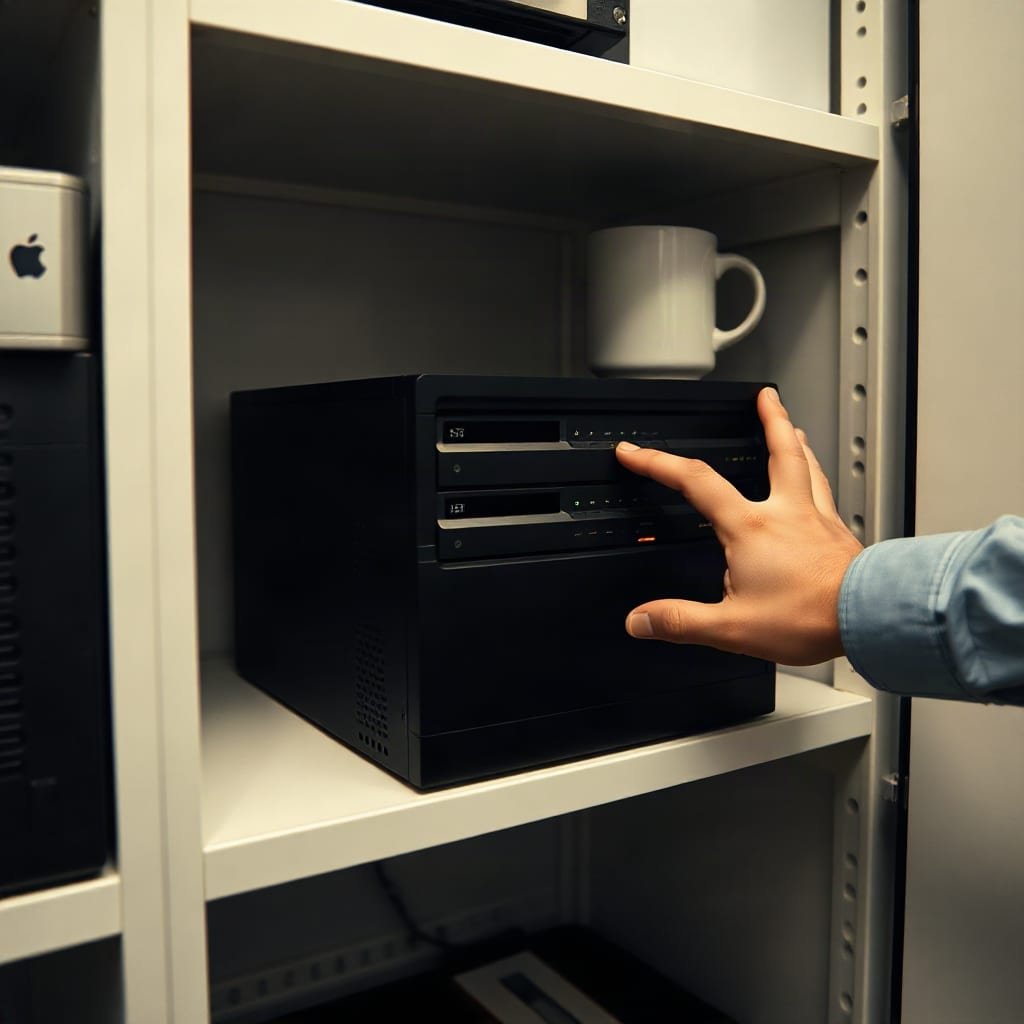
If you run more than one business from one CRM, reminders are where brand mixing shows up first. A client of your yoga studio should not get a text signed by your consulting firm, and a shared sending number makes that mistake easy.
Set these per brand, not globally:
- Sender name and number. Each brand texts from its own number and emails from its own domain.
- Templates. Greeting, sign-off and reschedule page all carry the brand's name and styling.
- Business hours and quiet hours. A mobile service brand and an office-based brand rarely share the same windows.
- Client separation. A client who exists under two brands should get each brand's reminders only for that brand's bookings.
If any booking needs a signed agreement or deposit terms before the visit, link the signing step from the confirmation email. The guide to e-signature on booking confirmations explains how to make that binding.
Test It, Then Keep It Running
Run one live test before you trust the setup. Book a real appointment for yourself 26 hours out, using a phone number and email that are not your admin account, and check these in order:
- The confirmation arrives within a minute, with a working calendar file.
- The reminder arrives at the expected local time, from the correct brand name and number.
- The reschedule link opens, moves the booking, and the old reminder disappears.
- A STOP reply suppresses the next text.
Then consider what runs the reminders. On a self-hosted system, a scheduled job on your server checks for due reminders every minute or so. If that job stalls after an update or a reboot, nothing errors. Reminders simply stop, and you find out through no-shows. Add a daily check that counts reminders sent versus bookings due, and alert yourself when the numbers diverge. The same server needs a restorable copy of its data, so read the backup strategy for a self-hosted CRM before something forces you to.
Get Appointment Reminders That Send Under Each Brand's Own Name
Reminders fail when the booking, the contact record and the messaging live in different tools that have to be kept in sync. Replacrm is a self-hosted CRM that keeps bookings, customer self-booking, texting and email on one customer record, so a reminder pulls the name, brand and time from the same place the booking was made. Brands stay separated under one login, so each business sends in its own name. You pay once, from $1,495, and run it on your own server with no per-user fees, whether you have two staff or twenty.
One limit to know: owning the software does not remove carrier requirements. Text sending still needs a messaging provider that charges per message and, in the US, registered business texting. Check the current reminder options and trigger settings in the Replacrm spec sheet before you plan your cadence around a specific feature.
Frequently Asked Questions
How far in advance should an automated appointment reminder go out?
Send the main text reminder about 24 hours before, during daytime hours in the client's time zone. Add a short-notice text about 2 hours before and an email 48 hours before if the client needs to prepare. For bookings made less than 24 hours ahead, skip the day-before reminder.
Do I need permission to text appointment reminders?
In the US, yes. The Telephone Consumer Protection Act, enforced by the FCC, requires consent before automated texts, so record how and when each client agreed. Rules differ by country, and you should always honor STOP replies immediately.
How many reminders are too many?
More than three per appointment starts to hurt. Clients begin ignoring messages from your number, and the evidence for reminders measures the benefit of having one, not of repeating it. A confirmation, a day-before text and a 2-hour text cover most businesses.
Should a reminder ask the client to reply to confirm?
Only if you will act on the answer. Replies are useful when a no-reply lets you offer the slot to someone on a waitlist. Otherwise, a reschedule link is more useful because it recovers the booking instead of just reporting a problem.
Why did my automated reminders stop sending?
Common causes are a stalled scheduled job on your server, an unregistered or blocked sending number, or a booking that was rescheduled without its old triggers being replaced. Check the scheduler first, then your messaging provider's delivery logs. A daily count of reminders due versus sent catches this early.
Sources
- Mobile phone text messaging reminders for attendance at healthcare appointments (Cochrane Database of Systematic Reviews) | Cochrane Library
- Stop Unwanted Robocalls and Texts | Federal Communications Commission
- Messaging Principles and Best Practices | CTIA
- RFC 5545: Internet Calendaring and Scheduling Core Object Specification (iCalendar) | IETF
Leave a Reply